Advanced Available – to – Promise (aATP in S/4HANA)

SAP S/4HANA Cloud Public Edition Sales, SAP ERP, SAP Fiori for SAP S/4HANA, SAP S/4HANA, SD (Sales and Distribution), SD Sales, SAP S/4HANA Cloud Private Edition

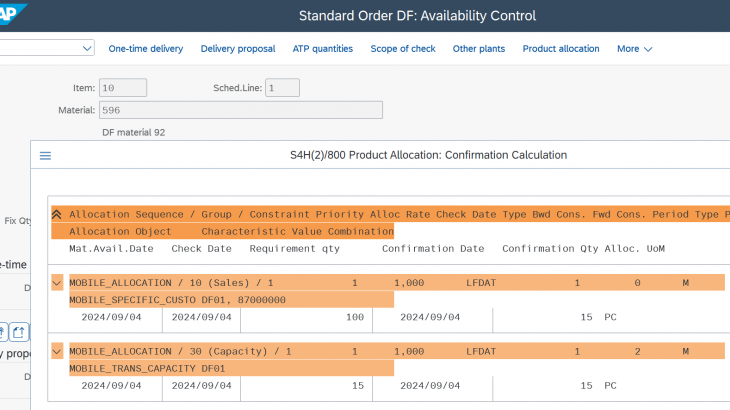
Advanced Available to Promise (aATP) SAP S/4HANA Advanced Available-to-Promise (aATP) is a critical component of the S/4HANA suite that enhances the standard ATP (Available-to-Promise) functionality with more advanced and flexible features. It is designed to meet complex order fulfilment processes and ensure higher accuracy and efficiency in inventory allocation and customer order management. Key Features […]
Continue reading


ABAP RESTful Application Programming Model (RAP)

Introduction The SAP landscape has evolved significantly, with businesses seeking simpler, more efficient solutions that offer excellent user experiences. Many organizations remain deeply embedded in the SAP ecosystem, primarily focusing on ABAP over other languages. So, is it possible to develop feature-rich applications without other frontend languages? Yes, leveraging ABAP with RAP (ABAP Restful Application […]

Continue reading


A Comprehensive Overview of Intelligent Scenario Lifecycle Management (ISLM)

Artificial Intelligence, SAP Predictive Analytics, SAP BTP, SAP Fiori for SAP S/4HANA

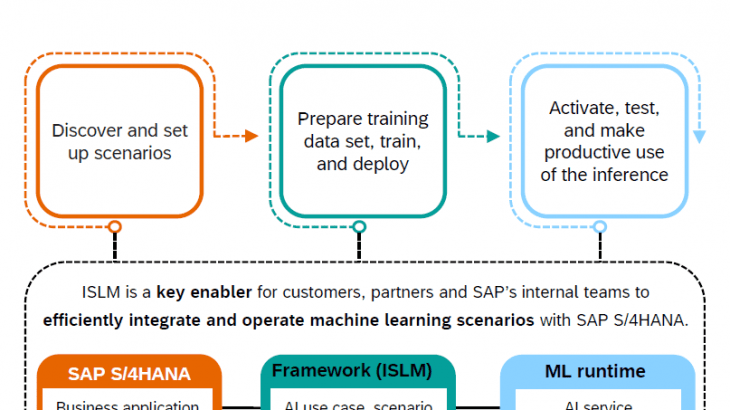
Artificial Intelligence (AI) plays a significant role in various aspects of SAP’s software offerings, enhancing functionality, efficiency, and decision-making capabilities across different business processes. With SAP’s overarching goal to empower organizations to leverage all the technology that they are offering for increased intelligence, SAP has introduced Intelligent Scenario Lifecycle Management (ISLM). In this blog series, […]

Continue reading


Fiori Adoptation Project for Extending Standard Fiori Application for onPremise using BAS

Prerequisites: Step 1: Open Template Wizard and select the application type as SAP UI5 Adoptation Project. Step 2: Select the Target Environment as ABAP as we intend to deploy the application to onPremise Step 3: Enter Project Name and Namespace details as shown below Step 4: Select the Gateway system and the standard Fiori application. […]

Continue reading