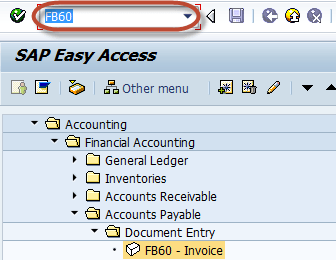
Enter transaction FB60 in SAP Command Field
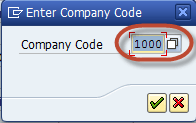
In the Next Screen , Enter Company Code you want to post invoice to
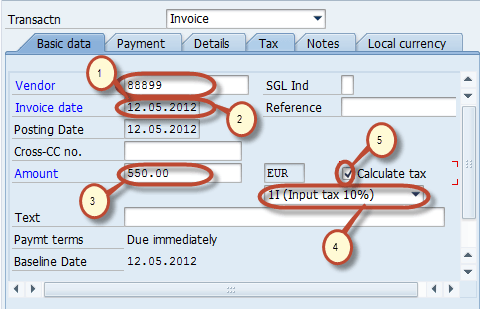
In the next screen, Enter the Following
1 . Enter the Vendor ID of the Vendor to be Invoiced
2. Enter Invoice Date
3. Enter Amount for Invoice
4. Select Tax Code for the Tax Applicable
5. Select Tax Indicator “Calculate Tax”.
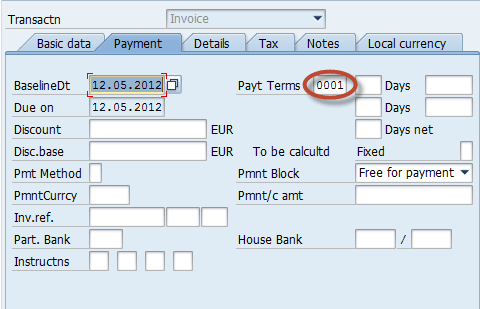
Check for Payment Terms in the Payment Tab Page
- Enter the Purchase Account0
- Select Debit
- Enter Amount for the Invoice
- Check Tax code
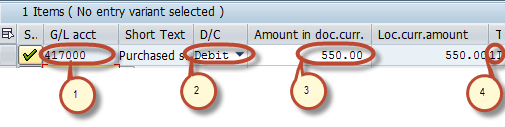
After completing the above entries check the status of the document

Press Post Button in Standard bar

You have Successfully posted a Purchase invoice

Rating: 5 / 5 (1 votes)


