Steps to Determine Depreciation area in the Asset Class
SAP R/3 IMG Menu Path : – IMG –> Financial Accounting –> Asset Accounting –> Valuation –> Determine Depreciation areas in the Asset Class
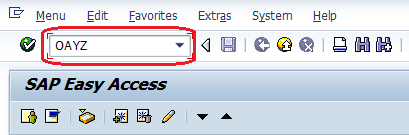
Transaction code : – OAYZ
Step 1 : – Enter T-Code OAYZ in the SAP command field and press
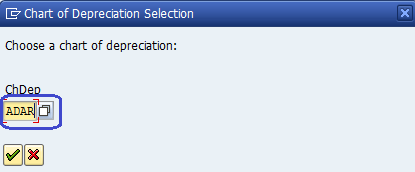
Step 2 : – Give the chart of depreciation and enter
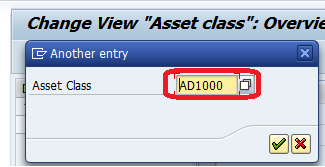
Step 3 : – To find existing asset class select position button and update asset class
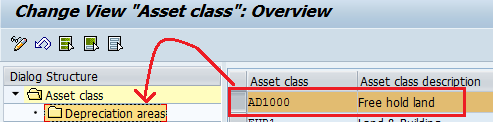
Step 4 : – Select Asset class and double click depreciation areas folder
Step 5 : – Deselect deactivation check for area 01 Book Depreciation, select 2000 (depreciation on asset sub-no level) in layout
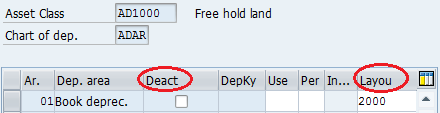
Click on save icon to save the data. You have successfully determine depreciation area in the asset class.
Rating: 5 / 5 (1 votes)


